Five Individuals Receive Career Support Through Lake Trust Foundation Scholarship Program
Meet the 2024 Lake Trust Foundation Scholarship recipients and learn more about their plans to make an impact in Michigan.
Continue readingHere’s what you need to know for the most seamless move.
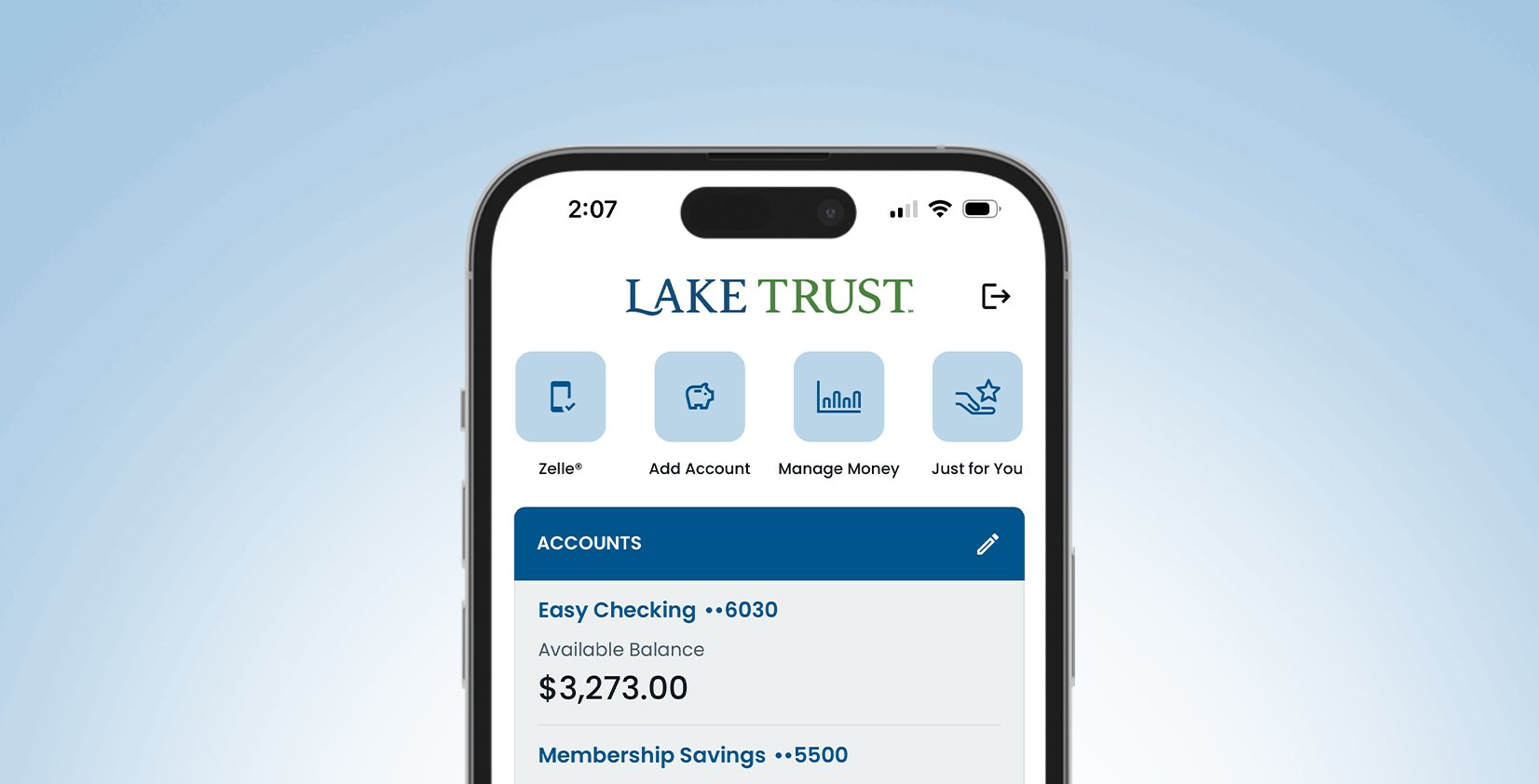
Log in using your current username and password before March 13. The new mobile app will be called “Lake Trust Mobile Banking.” When you log in for the first time, you’ll see a screen asking you to review and accept our disclosures.




Download the new Lake Trust Mobile Banking app and enroll today. If this is your first time logging in since our new Online & Mobile Banking experience launched on February 25, select Enroll and follow the prompts to create a new username and password. After logging in, you’ll be asked to review and accept our disclosures.
External transfers (moving money between your Lake Trust account and your accounts at external financial institutions) will be unavailable in Online & Mobile Banking Feb 23 and Feb 24. Please plan on making any necessary external transfers on or before Feb 22. External transfers will need to be set up after Feb 25 within the new Online & Mobile Banking Experience.
Transfers between Lake Trust accounts will not be interrupted.

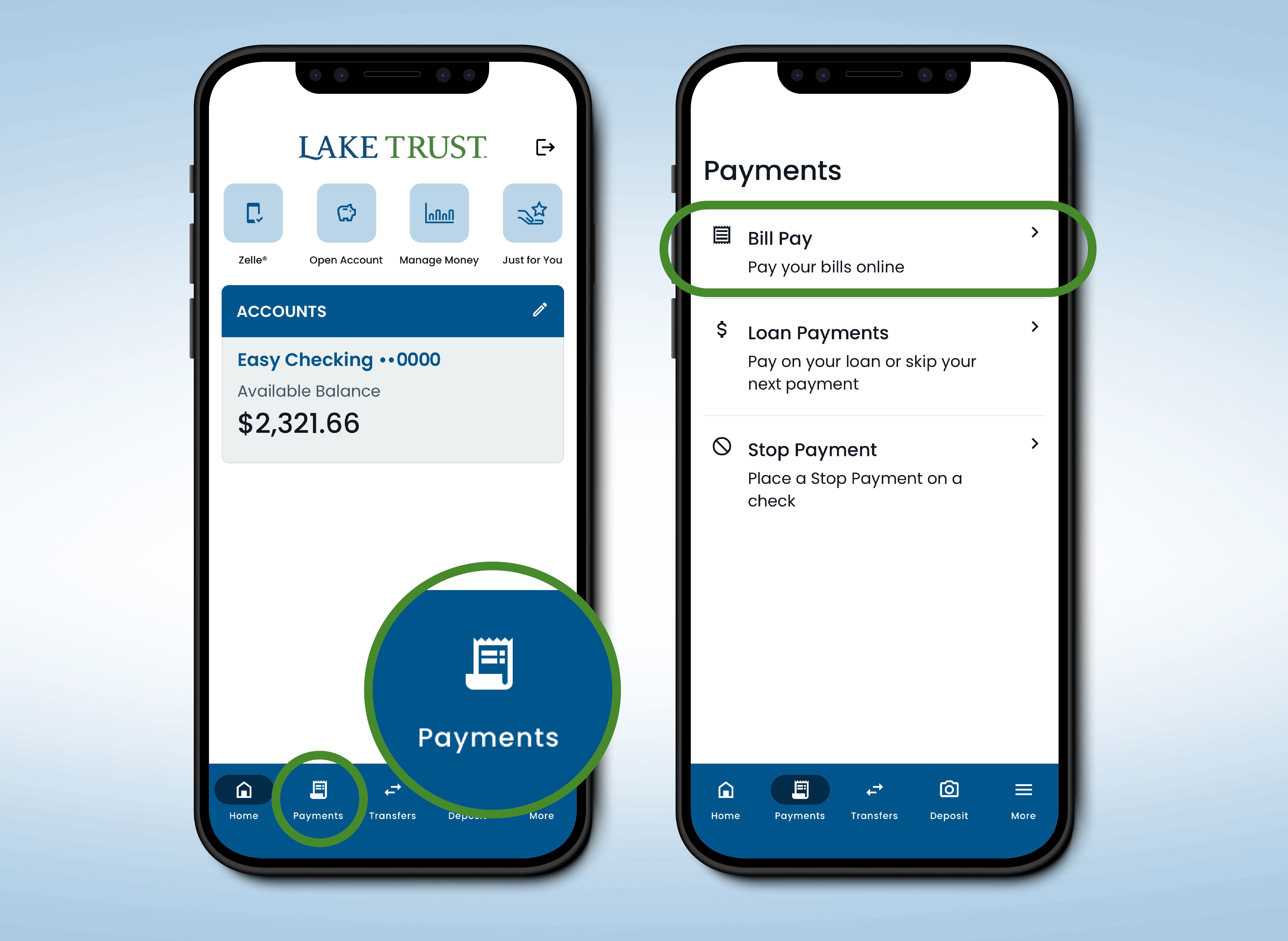
All scheduled bill payments have been successfully transferred. You can view your Bill Pay details in the new app and manage your payments anytime.
From the Mobile App
Select Payments on the bottom menu.
Then select Bill Pay.
From the Online Web Experience
Select Payments on the top menu.
Then select Bill Pay.
Quicken Direct Connect is no longer available in Online & Mobile Banking. You can no longer log in to Direct Connect through Lake Trust or view your Lake Trust transactions in Quicken.


When at least 50% of your closed-end home equity loan is used for eligible energy-efficient home upgrades, you get 0.5% off the interest rate. Below are some eligible projects. Your lending specialist will guide you through this process. Making it simple to determine if your project qualifies for a special rate reduction.

Step One: Download and Log in
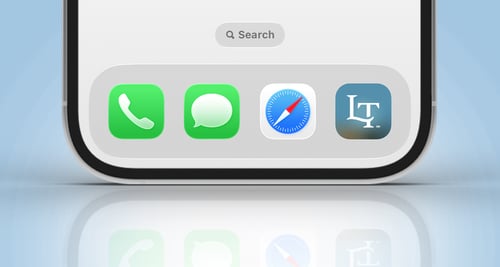
Download the new Lake Trust Mobile Banking app and log in to Online Banking using your current Lake Trust username and password.
You may be prompted to create a new password.
Your new Online & Mobile Banking experience has enhanced security and password requirements which may require creating a new password. It’s another layer of protection. Helping to keep your account safe.
Step Two: After Initial Log in
Review and accept the disclosures window that pops up. Explore the new features and the new look and feel.
Step Three: Review your Account
Review your account including the following:
Step Four: Delete Old Mobile Banking App
After downloading the new Lake Trust Mobile Banking app, logging in, and reviewing your account. Feel free to delete the old mobile banking app.
Save time and managing your finances from wherever you are. Find out more about Online Banking, Text Banking, and more.